Post Sharing Plugin

$25.00

Demo

Let Your Readers Become Your Best Marketers

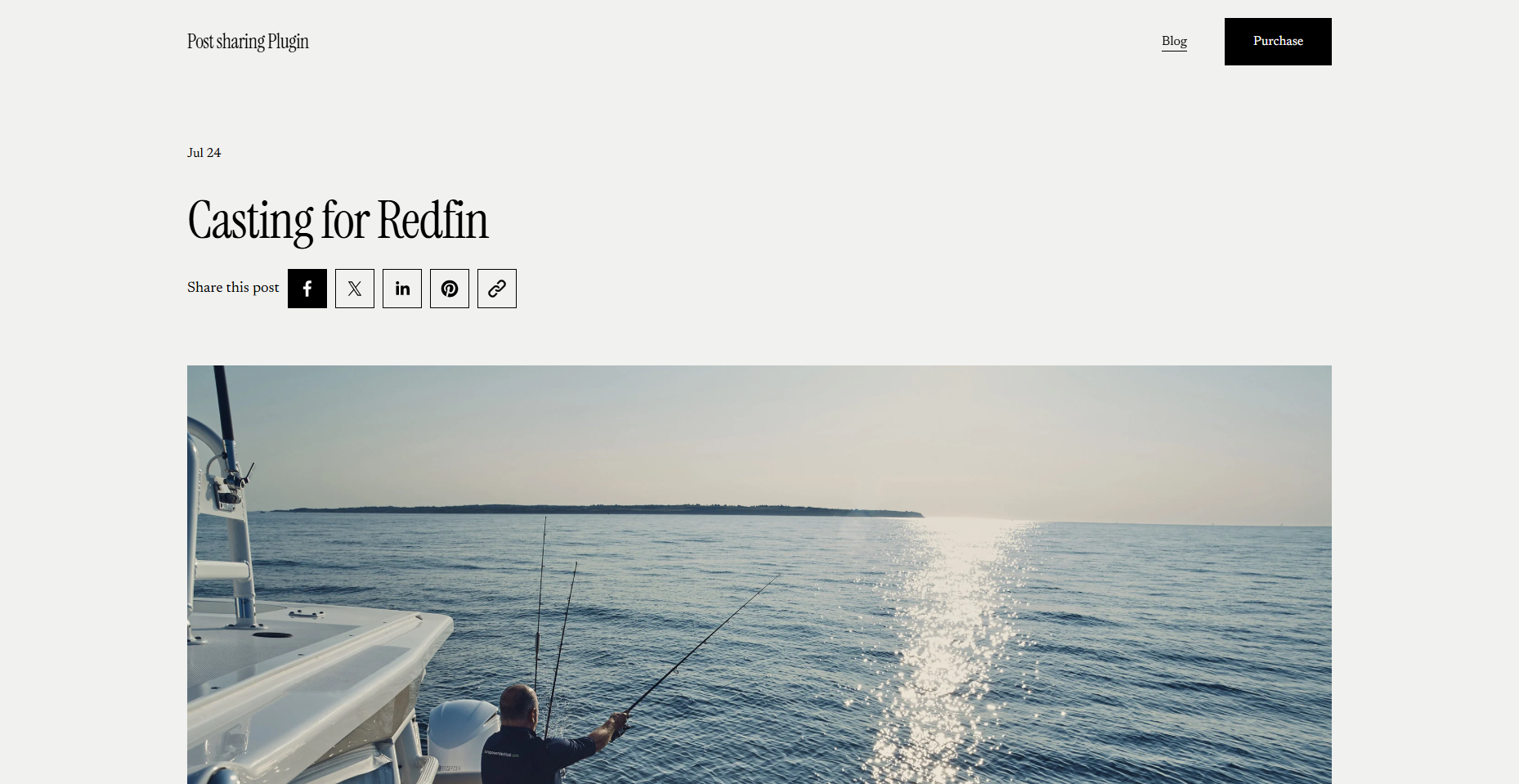
Every blog post you publish has the potential to reach far beyond your existing audience — but only if sharing it is effortless. Squarespace 7.1 doesn't include a native way for readers to share blog posts, meaning your content's reach is limited by default. Post Sharing Plugin fixes that instantly, giving your readers a simple, one-click way to share posts to social media or copy the URL directly — no third-party tools, no complicated setup, no friction.

More shares mean more eyes on your content, more traffic to your site, and a growing audience that compounds over time. For bloggers, content creators, and brands investing in content marketing, this plugin is an essential addition to every post.

What's Included

  • One-click social sharing — Readers can instantly share any blog post to their preferred social platforms without leaving the page.

  • Direct URL copying — A single click copies the post link, making it easy to share via email, DMs, or anywhere else.

  • Three button styles — Choose from Default, Outline, or Solid styles to match your site's design language perfectly.

  • Clean, unobtrusive UI — The sharing interface blends naturally into your blog layout without disrupting your design.

  • No third-party dependencies — Fully self-contained — no external services, accounts, or APIs required.

  • No coding required — Simple installation via Squarespace Code Injection, up and running in minutes.

  • Squarespace 7.1 compatible — Works seamlessly across all Squarespace 7.1 templates.

  • Fully customizable — Style the share buttons to match your brand's colors, typography, and overall aesthetic.

Demo

Let Your Readers Become Your Best Marketers

Every blog post you publish has the potential to reach far beyond your existing audience — but only if sharing it is effortless. Squarespace 7.1 doesn't include a native way for readers to share blog posts, meaning your content's reach is limited by default. Post Sharing Plugin fixes that instantly, giving your readers a simple, one-click way to share posts to social media or copy the URL directly — no third-party tools, no complicated setup, no friction.

More shares mean more eyes on your content, more traffic to your site, and a growing audience that compounds over time. For bloggers, content creators, and brands investing in content marketing, this plugin is an essential addition to every post.

What's Included

  • One-click social sharing — Readers can instantly share any blog post to their preferred social platforms without leaving the page.

  • Direct URL copying — A single click copies the post link, making it easy to share via email, DMs, or anywhere else.

  • Three button styles — Choose from Default, Outline, or Solid styles to match your site's design language perfectly.

  • Clean, unobtrusive UI — The sharing interface blends naturally into your blog layout without disrupting your design.

  • No third-party dependencies — Fully self-contained — no external services, accounts, or APIs required.

  • No coding required — Simple installation via Squarespace Code Injection, up and running in minutes.

  • Squarespace 7.1 compatible — Works seamlessly across all Squarespace 7.1 templates.

  • Fully customizable — Style the share buttons to match your brand's colors, typography, and overall aesthetic.

    • Install Guide Included

    • Uses Code Injection

    • Adds Social Share Buttons for Blog Posts

    • Squarespace v7.1 (All Templates)

    • Squarespace Core Plans or higher (not Basic plans)

    • Placement: Below Post Title or Below Post Content

    • Alignment: Left, Center, or Right

    • Style: None, Outline, or Solid

    • Select Social Networks: Facebook, Twitter, LinkedIn, Pinterest, Copy URL

    CSS OPTIONS:

    • Icon Color and Border Color

    • Icon Size

    • Hover Color

    • Multi-use license: Use this plugin on unlimited sites, but do not share the code or include it in templates for sale.

    • Due to the digital nature of this product, refunds are not available. Please ensure your website is compatible before purchase.

NOTE:

All plugins are digital downloads and are non-refundable under any circumstances. If you experience any issues with the plugin, I’m happy to take a look and assist where possible. For additional information, please check the FAQ page.